Visible in the meeting
The assistant joins as a participant with a name, so people can see it is there.
MININE + ZOOM
An assistant you invite, a recording the host allows, and a transcript you can return to.
Read the connection stepsLimited testing · Not publicly available
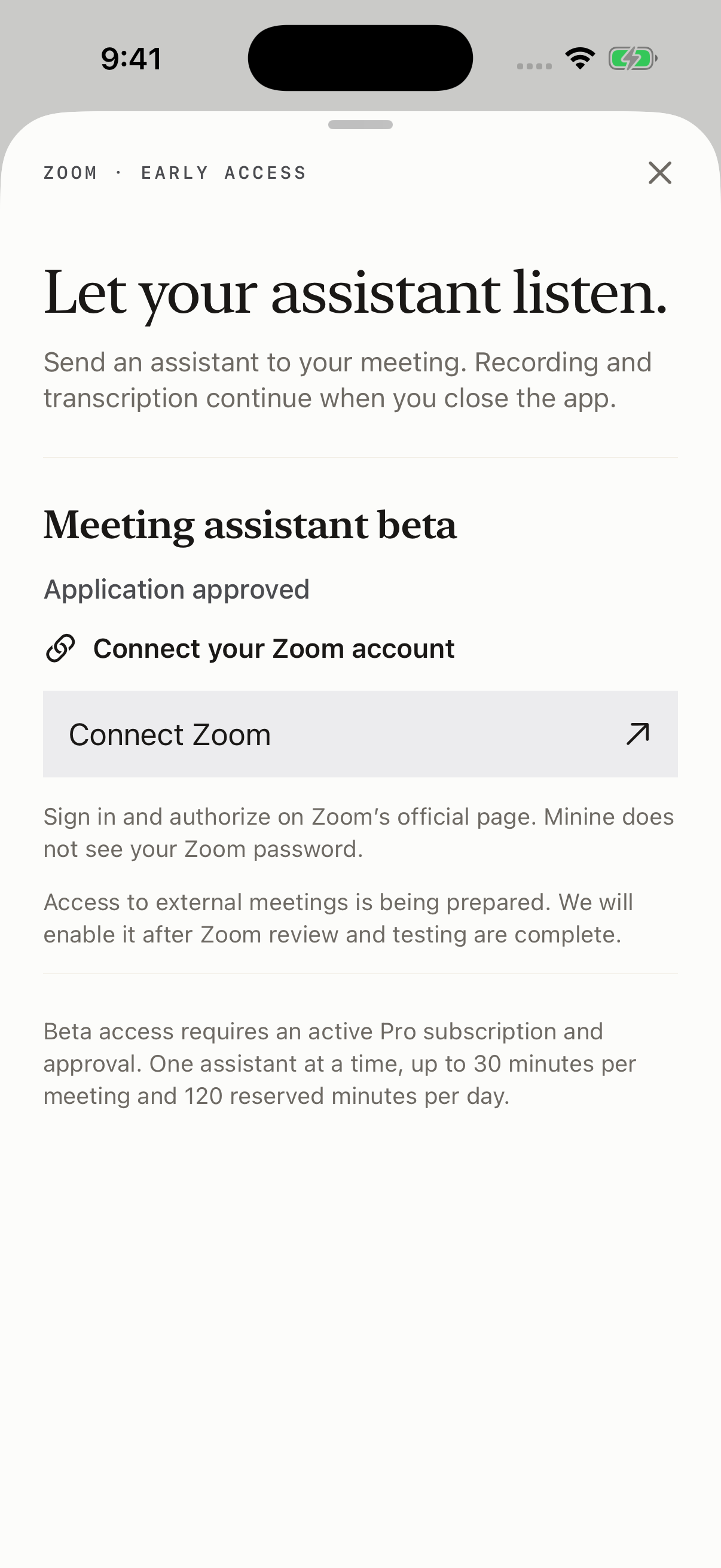
HOW IT WORKS
In an enabled Minine test build, sign in and connect Zoom through Zoom’s own authorization page.
Join with your connected Zoom account, then send the assistant using your meeting details. The assistant appears in the participant list.
Recording starts only after the host grants permission. You can stop the assistant and find the saved recording in Minine.
The assistant joins as a participant with a name, so people can see it is there.
The host controls recording permission. If permission is denied, the assistant cannot record.
Use the connected Zoom account and remain in the meeting while your assistant participates.
Adding the integration, using the assistant, removing access, and what happens to your data — all in one guide.